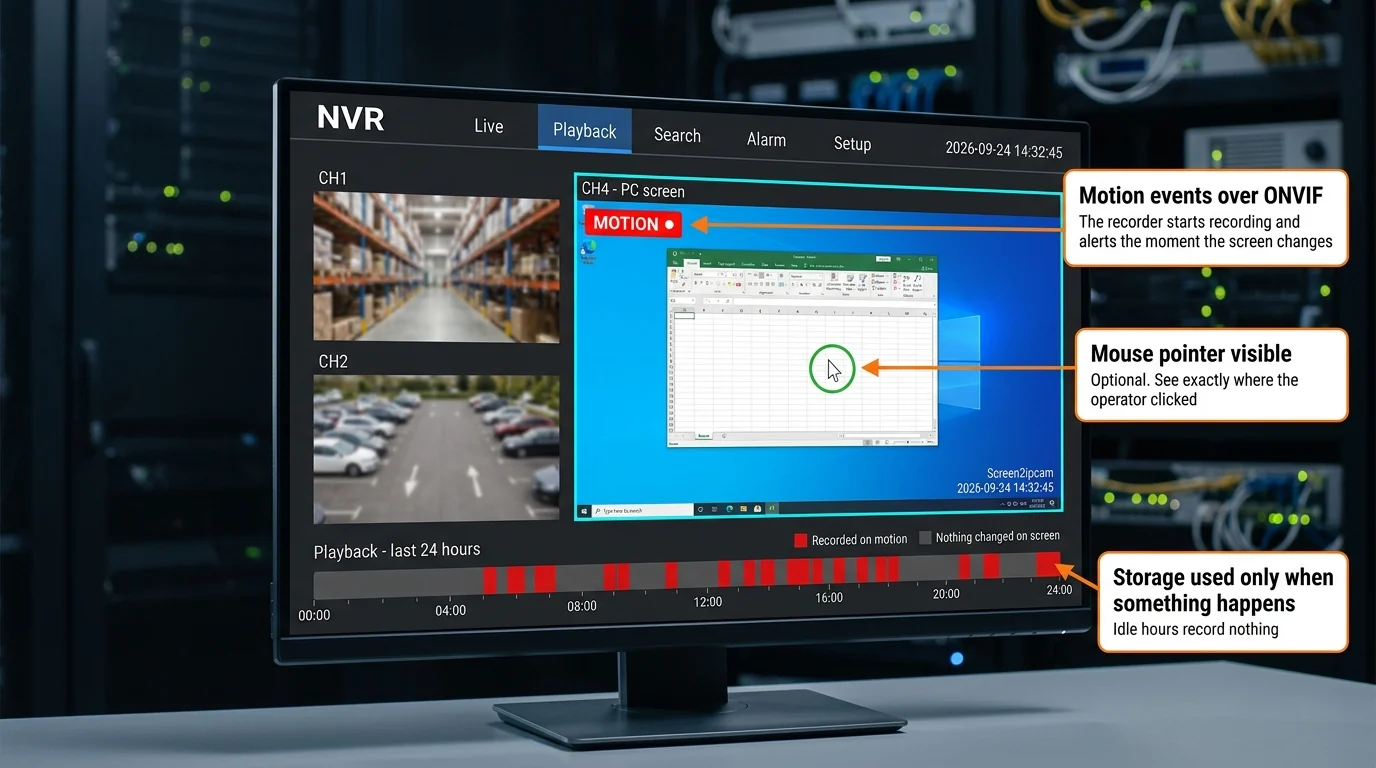
A cashier screen, a dashboard or a control room display sits still for most of the day. Recording it around the clock fills the recorder with hours of a still picture. Screen2ipcam can report movement over standard ONVIF, so the recorder keeps the moments that matter and can alert you the instant something happens.
Nothing changes in how the camera is added or streamed. What changes is the recorder's schedule: instead of continuous recording it can switch the channel to record on motion, so the playback timeline fills only where the screen really moved.
Two practical results. The disk lasts much longer, so you keep weeks of history instead of days. And searching gets faster, because you scroll straight to the blocks on the timeline instead of scrubbing through hours of a still picture.
| Setting | Default | Range | What the lowest and highest values do |
|---|---|---|---|
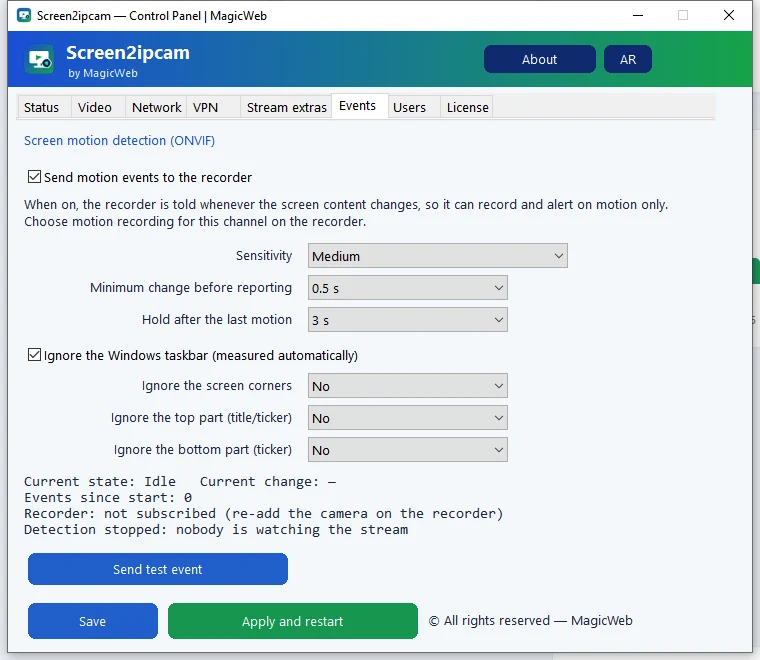
| Sensitivity | Medium | Very low → Very high | Very low reports only a big change, a whole window or a quarter of the screen. Very high reports any small change, a single character. Medium suits a cashier screen. |
| Minimum duration | 0.5 s | 0.3 to 2 s | The lowest value reports faster but may catch a brief flash. The highest ignores brief changes but reports later. |
| Hold time | 3 s | 2 to 30 s | The lowest declares idle soon after the last change, giving shorter, split recordings. The highest stays in motion for half a minute, giving longer, continuous clips. |
| Ignore the Windows taskbar | On | On / Off | The clock and notifications in the taskbar stop counting as motion. The rectangle is measured from Windows itself, so it follows the taskbar wherever it sits. |
| Ignore the screen corners | No | No → Large | For an app clock, a logo or alerts pinned in a corner. No watches the whole screen. Large excludes the biggest area in each corner, 18% of width and height. |
| Ignore a top or bottom strip | No | No → 20% | For a title bar or a news ticker that spans the screen width. 20% excludes a fifth of the screen height. |
| Event standard | ONVIF, two topics |
| Delivery | Pull and push |
| Detection load | 0.19 ms per frame |
| Runs when | A viewer is connected |
| Mouse pointer | Optional, off by default |
| Motion events | Off by default |
Everything lives in one new tab. Turn the feature on, pick how sensitive it should be, and use the test button to confirm the recorder reacts.
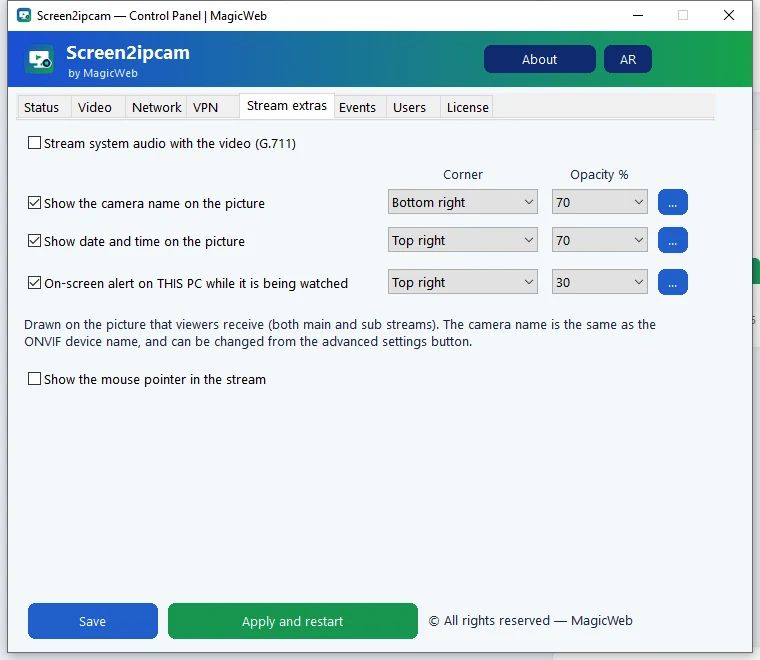
Windows does not include the mouse pointer when a program captures the screen, so until now the recording showed a screen with no cursor. You can now draw it into the stream and the snapshot, which makes it clear where the operator clicked. Optional, and off by default.
The Events tab has a Send test event button. It sends one motion event to the recorder and then goes idle, without touching the screen, so you can confirm the recorder reacts before you leave the site.
Beta. The new options are ready to use, and we are collecting feedback before 2.0.5 becomes the main download. The stable version on the home page is still 2.0.3.
Version 2.0.5 installs over your current version and keeps your license and settings. New to Screen2ipcam? The same installer runs as a free 14-day trial.
Send feedback on the beta · support@magicweb.win